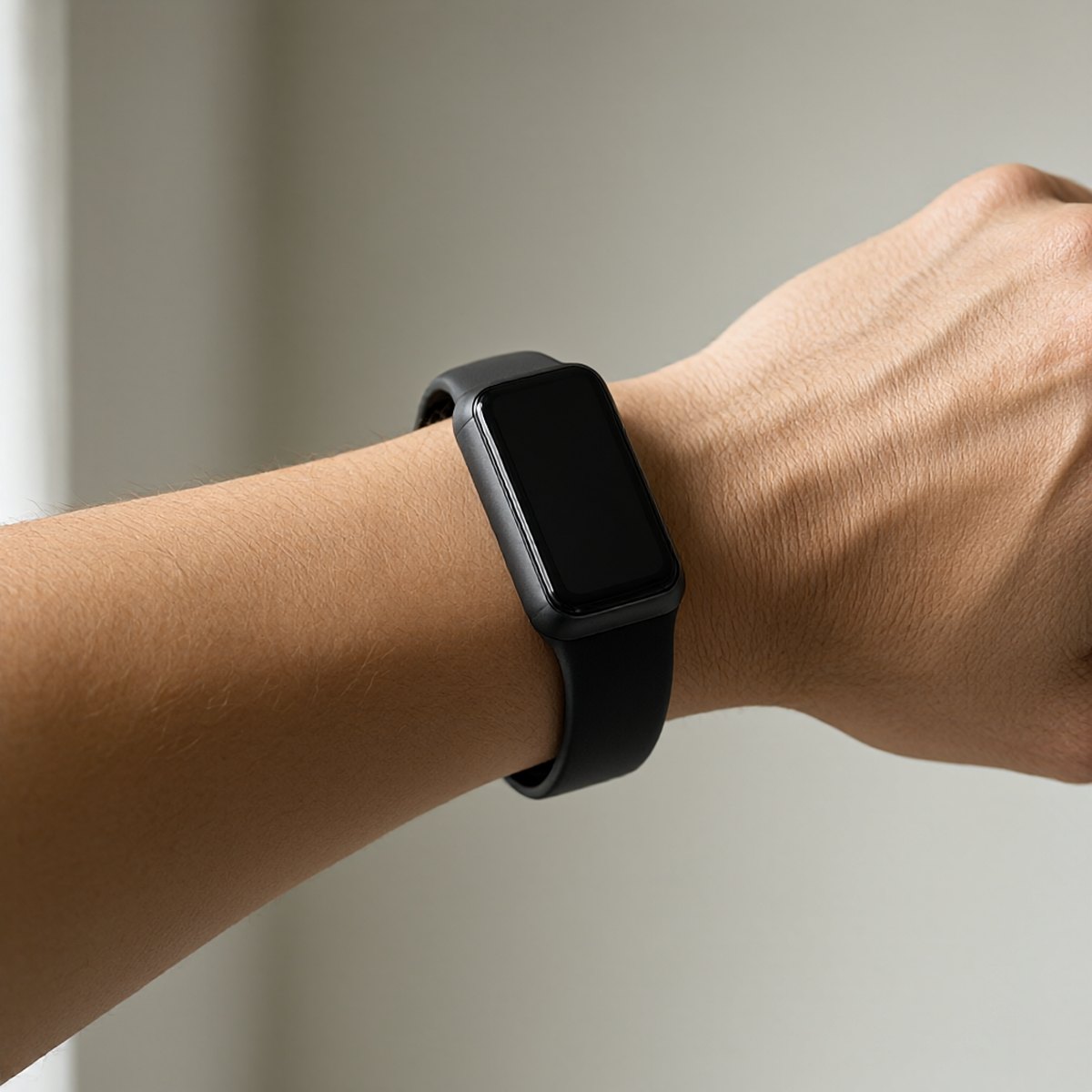
Fitness tracker accuracy depends on a stable fit between the device sensor and the skin. For plus size users, standard band lengths and rigid sensor housings create gaps that disrupt readings. Achieving a functional fit requires measuring the wrist accurately, sourcing adequate strap length, and adjusting the device position to maintain consistent sensor contact.
Measuring Wrist Circumference for Tracker Sizing
Wrist circumference determines the baseline size class for a tracker. Use a flexible tailor’s tape measure. Wrap it around the wrist at the distal styloid process, the bony protrusion on the same side as the pinky finger. This area is where the tracker sits to access capillary blood flow. Record the measurement in millimeters for precision.
Plus size wrists often measure above the 160 to 200 mm range covered by standard bands. If a tape measure is unavailable, use a non-stretch cord, mark the overlap point, and measure the cord flat against a ruler. Measure the wrist twice, pulling the tape to a snug but not compressive tension, and average the two numbers to account for natural shape variations.
Evaluating Strap Length and Extension Options
Manufacturers list minimum and maximum strap lengths in product specifications. A band must accommodate the measured wrist circumference plus the thickness of the tracker housing. Subtract the length of the tracker casing from the total required length to find the necessary strap length. If the resulting number exceeds the manufacturer's maximum strap length, the band will not close.
Third-party strap extensions resolve length deficits. Remove the standard strap using the tracker’s quick-release spring bars. Select replacement straps made from silicone, nylon, or elastic weave, specifying the exact millimeter width of the tracker’s lug interface. Nylon strap extensions with infinite loop fastening adjust to any circumference without a rigid keeper, accommodating wrist swelling during physical activity.
Assessing Sensor Contact and Positioning
Optical heart rate sensors require flush contact with the skin to detect blood flow. Gaps between the sensor dome and the wrist allow ambient light to enter, causing interference and erratic heart rate spikes. Place the tracker on the wrist and tighten the strap until the sensor dome sits flat against the skin without visible light leakage at the edges.
Position the tracker one to two finger widths above the distal styloid process. Higher placement on the forearm reduces interference from wrist flexion and soft tissue compression. For larger forearms, test the tracker on the inner wrist, outer wrist, and upper forearm during a resting state to find the position yielding the most consistent resting heart rate reading.
Managing Band Tension and Skin Irritation
Over-tightening a short band to force sensor contact restricts circulation and causes indentation marks. The strap should allow one finger to slide underneath when closed. If achieving sensor contact requires tightening the strap beyond this threshold, the band is too short or the sensor housing sits at an angle on a curved wrist surface.
Silicone bands trap sweat and friction against larger skin surfaces, leading to contact dermatitis. Alternate between two bands, washing the unused band with mild soap and water. Nylon and elastic bands offer better moisture wicking. Apply a thin layer of anti-chafe balm around the edges of the sensor housing before prolonged workouts to reduce friction.
Checking Fit During Movement and Swelling
Wrist circumference fluctuates due to heat and exertion. A band that fits at rest may become restrictive during exercise, or a band that achieves sensor contact at rest may gap when forearm muscles expand. Test the tracker fit by performing wrist circles and grip exercises after putting it on. The tracker should not slide more than ten millimeters up or down the forearm.
For trackers with dual strap keepers, slide the second keeper close to the closure point to prevent the strap end from loosening during arm swings. Elastic strap loops adapt to circumference changes automatically, maintaining sensor contact without manual adjustment. Verify sensor contact stability by checking the live heart rate reading during a brisk walk; erratic numbers indicate movement-induced gaps.
Plus Size Tracker Fit Verification Checklist
Measure wrist at the distal styloid process and add five millimeters for housing thickness. Compare the adjusted measurement against the manufacturer’s maximum strap length specification. Source a third-party extension strap if the required length exceeds the included band capacity. Position the tracker one to two finger widths above the wrist bone. Tighten the strap until the sensor sits flush with no ambient light leakage at the edges. Insert one finger under the strap to verify tension is not restrictive. Perform wrist rotations to confirm the tracker does not slide or pivot away from the skin. Check live heart rate readings during movement to confirm stable data transfer.