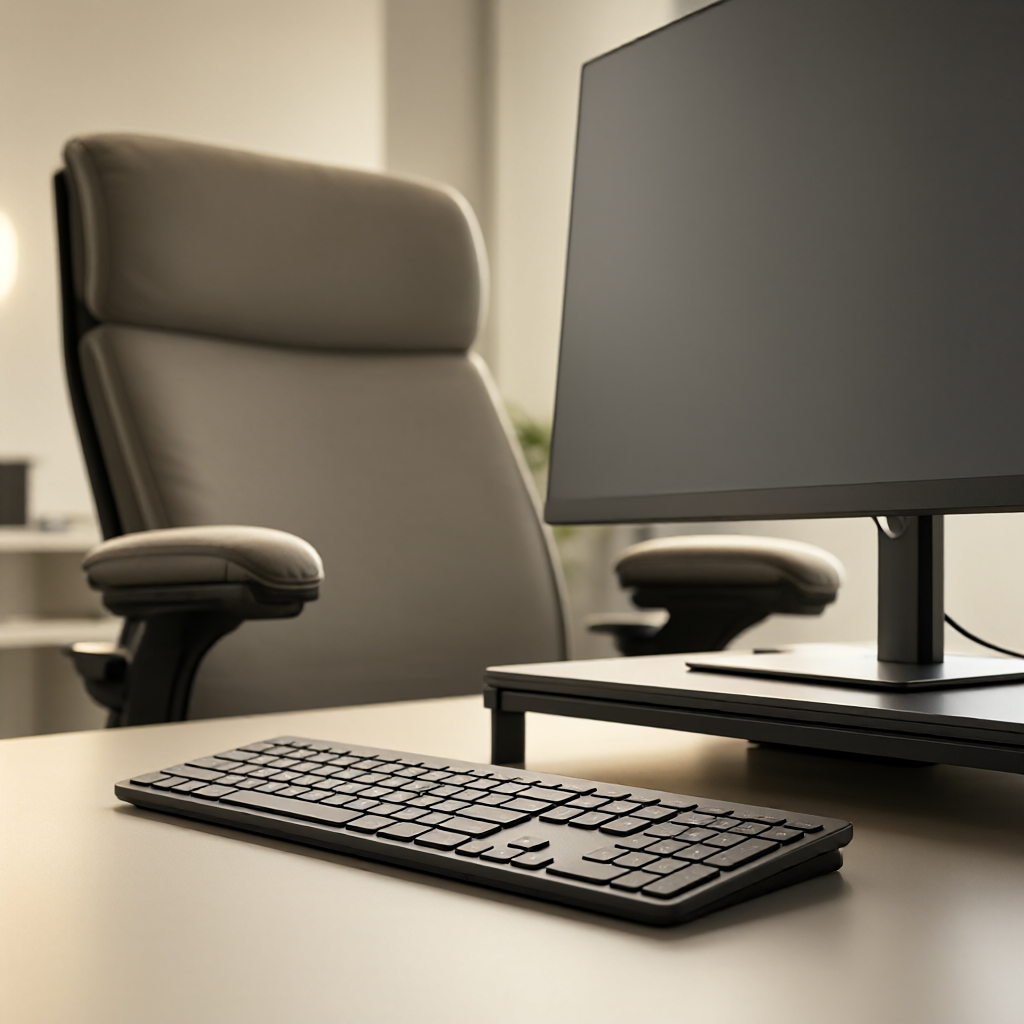
Standard desk ergonomic setups fail for larger bodies because they assume a narrower torso, shorter arm reach, and lighter upper body weight. When a plus size user follows conventional keyboard placement guidelines, the arms splay outward, the wrists bend outward, and the shoulders elevate to compensate for the wider lap. The correct setup requires pushing the keyboard further away, lowering the armrests to support heavier forearms, and widening the monitor stance to match the natural focal line of a broader chest.
Measuring Keyboard Reach and Desk Depth
Armrests on standard chairs often sit too close together for broader torsos. When the forearms rest on them, the elbows pinch inward, forcing the wrists into extreme ulnar deviation on the keyboard. The solution is to remove armrests or widen them, and move the keyboard further from the body. A straight line from shoulder to middle finger, with the elbow at a 100 to 110 degree open angle, determines the correct keyboard distance. This distance is usually 2 to 4 inches further than standard recommendations.
Desk depth becomes a limiting factor. A minimum desk depth of 28 inches from the user edge is required to position the keyboard at the correct distance while leaving room for the monitor. Shallow desks force the keyboard too close, recreating the shoulder pinch. If a deeper desk is unavailable, a keyboard tray mounted under the desk extends the reach and lowers the keyboard to accommodate thicker thighs resting under the work surface.
Keyboard width also matters. Compact keyboards without a number pad center the alphanumeric section directly in front of the user. This alignment reduces the offset angle between the shoulder, elbow, and hand. A separate number pad placed on the left side during non-data entry tasks keeps the mouse closer to the body, reducing right shoulder reach strain.
Armrest Height and Forearm Support
Heavier forearms create downward leverage that pulls the shoulders forward into a rounded posture if unsupported. Armrests must be set to a height where the forearms rest flat, taking the full weight of the upper arms without the shoulders hiking upward. If armrests are too high, the trapezius muscles engage constantly, leading to neck tension. If they are too low, the forearms drag on the desk edge.
For plus size users, fixed armrests are frequently too narrow. Adjustable armrests that pivot outward or slide horizontally are required. The pivot angle must match the natural splay of the elbows when the shoulders are relaxed. Measure this angle by sitting back in the chair, relaxing the arms, and noting the distance between the elbows. The armrests should lock at this exact width to provide continuous support without forcing the elbows inward.
Padding density determines long term support. Soft foam compresses under heavier arms, eventually bottoming out and leaving the forearms resting on the hard internal structure. High density foam or gel pads maintain their shape under sustained weight. Test compression by pressing down firmly with one hand; the pad should not compress more than 30 percent of its total thickness.
Monitor Placement for a Wider Lap
Monitor placement must account for the wider distance between the user and the keyboard. Pushing the keyboard away moves the hands further from the body. If the monitor stays in its original position, the user leans forward to see the screen clearly, breaking back support. The monitor must move back proportionally to the keyboard shift. The top edge of the screen should sit at or slightly below horizontal eye level to prevent looking upward, which strains the cervical spine.
For users with a broader chest, a single monitor placed directly straight ahead often requires turning the head slightly to focus on the center of the screen. Dual monitors angled inward in a slight V shape match the natural peripheral vision cone of a wider torso. The center of the V should align with the nose. This setup prevents the constant micro rotations of the neck that occur with a flat, single monitor placement.
Monitor height stands must support heavier monitors if large screens are used for better visibility at a distance. The base footprint of the stand must fit on the desk without crowding the keyboard area. A stand with a tall pole allows the screen to be raised to the correct eye level without stacking books or unstable platforms underneath, keeping the center of gravity low and secure.
Desk Chair Seat Depth and Width Requirements
Seat depth dictates blood flow in the legs. A seat pan that is too long presses into the back of the calves, restricting circulation and causing numbness. A seat pan that is too short fails to support the thighs, increasing pressure on the ischial tuberosities. For plus size users, a seat depth of 18 to 20 inches accommodates longer femurs while leaving a 2 to 3 inch gap between the seat edge and the back of the knee. Sliding seat pans allow precise adjustment of this depth.
Seat width must accommodate broader hips without metal frame contact. Measure hip width while sitting on a flat surface, then add 2 inches on each side for winter clothing or shifting movements. A seat width under 22 inches forces larger users to sit on the frame edges rather than the padding, creating pressure points. Chairs listed as big and tall usually provide 22 to 24 inches of inner seat width.
Lumbar support height varies by torso length. The support must press firmly into the inward curve of the lower back, typically around the L4 and L5 vertebrae. If the lumbar support is fixed too low, it pushes against the sacrum, tilting the pelvis backward. Adjustable lumbar height is required to match the specific spinal curvature of the user without forcing the body to conform to the chair shape.
Managing Thigh Clearance Under the Desk
Thigh thickness determines the required clearance between the seat and the underside of the desk. If the desk is too low, the thighs compress against the desk surface, restricting blood flow and forcing the user to slouch downward to fit. The minimum clearance from the top of the thighs to the desk underside is 2 inches. Standard desk heights of 28 to 29 inches frequently lack this clearance for larger users.
Raising the desk is the primary correction. Height adjustable desks allow fine tuning until the thighs clear the surface and the forearms rest parallel to the floor. If a standing desk converter is used on a fixed desk, the keyboard tray portion must have sufficient leg clearance underneath. Converters with solid front panels often block the knees and thighs of plus size users.
When desk height is increased, the chair must rise to maintain the 100 degree elbow angle. As the chair rises, the feet may lift off the floor. A footrest with a large platform and adjustable tilt supports the feet, preventing the legs from dangling and reducing pressure on the back of the thighs. The footrest platform must be wide enough to allow shifting foot positions without falling off the edges.
Workspace Adjustment Checklist
Verify keyboard distance by checking the elbow angle. The angle formed by the upper arm and forearm must be 100 degrees or wider, with straight wrists and relaxed shoulders. If the shoulders are elevated, the keyboard is too close or the armrests are too low.
Confirm armrest width matches natural elbow splay. Sit with eyes closed and arms hanging relaxed, then open the eyes and check if the armrests align directly under the elbows. Adjust the width or remove them if they force the elbows inward.
Check monitor alignment relative to the keyboard. Draw an imaginary line from the spacebar straight back. The center of the monitor must intersect this line without requiring a head tilt. Ensure the top bezel sits at horizontal eye level.
Measure the gap behind the knees. Sit back fully in the chair and slide a flat hand between the back of the knee and the seat edge. The hand must fit flat without squeezing. Adjust the seat depth slider until this gap is achieved.
Assess thigh clearance under the desk. Place a closed fist between the top of the thigh and the desk underside. If the fist does not fit, raise the desk height and adjust the chair and footrest accordingly.